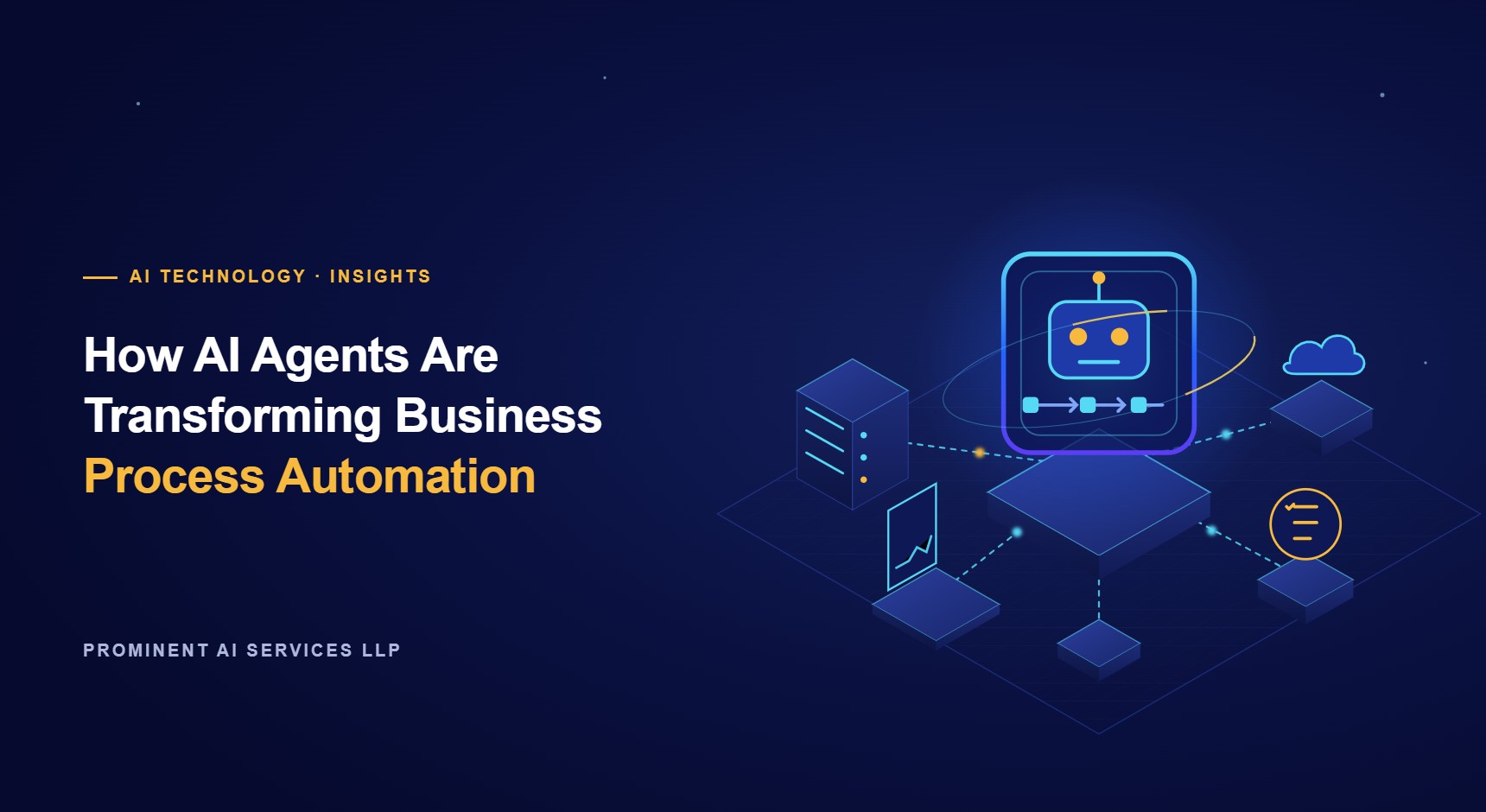
AI agents are software systems that use large language models to understand a goal, plan the steps to reach it, use tools such as your CRM, ERP or email, and complete the task with little human input. Unlike traditional automation, which follows fixed rules, an AI agent can read unstructured information, handle exceptions and decide what to do next, while people stay in control of important decisions.
Key takeaways
- Rule-based automation breaks when inputs vary; AI agents cope with emails, documents and requests that do not follow a template.
- The best first use cases are high-volume, repetitive processes with clear success measures, such as ticket triage, invoice handling and lead qualification.
- Agents should work with guardrails: limited permissions, human approval for sensitive actions and full logging.
- Start with one process, measure results against the current way of working, then expand.
What is the difference between AI agents and traditional automation?
Traditional automation, including robotic process automation (RPA), works like a recipe: if a field contains X, do Y. It is reliable when every input looks the same, but it fails when a supplier changes an invoice layout or a customer phrases a request differently. AI agents add three abilities on top:
- Understanding: they read free text, PDFs and emails and extract the meaning, not just fixed fields.
- Reasoning: they break a goal into steps and choose which tool or system to use at each step.
- Adapting: when something unexpected happens, they can ask a clarifying question or hand the case to a person instead of failing silently.
In practice the strongest solutions combine both: deterministic workflows for the steps that must always run the same way, and agents for the steps that need judgement. Our business process automation with AI service is built on this hybrid approach.
Where do AI agents add the most value?
- Customer support: classifying tickets, drafting answers from your knowledge base and resolving routine requests such as order status or password resets.
- Finance operations: reading invoices and receipts, matching them to purchase orders and flagging mismatches for review.
- Sales: researching inbound leads, enriching CRM records and drafting personalised follow-ups.
- HR and IT service desks: answering policy questions, onboarding new staff and creating tickets in the right queue.
- Operations: monitoring orders or shipments and taking the next step when something is late or missing.
Industry examples are covered on our financial services, logistics and healthcare pages.
How does an AI agent work?
- Trigger: a new email, form submission, ticket or scheduled event starts the agent.
- Context: the agent retrieves relevant information, for example the customer record or the policy document, using retrieval-augmented generation.
- Planning: a large language model decides which steps are needed.
- Tool use: the agent calls approved functions, such as looking up an order, updating the CRM or drafting a reply.
- Review: low-risk actions complete automatically; sensitive ones are sent to a person for approval.
- Logging: every step is recorded so results can be audited and improved.
What are the risks, and how do you control them?
AI agents act on your systems, so control matters more than with a simple chatbot. The main risks are incorrect actions, access to data the agent should not see, and manipulation through malicious input (prompt injection). Good practice includes:
- giving each agent the minimum permissions it needs, through dedicated service accounts;
- requiring human approval for payments, deletions and external communications until accuracy is proven;
- validating every tool call against business rules before it runs;
- testing the agent against a set of real past cases before go-live;
- monitoring results and costs after launch.
Read more in our guide to AI security best practices.
How to start an AI agent project
- List your most time-consuming, repetitive processes and estimate their volume and cost.
- Choose one with digital inputs, clear rules for what good looks like, and limited risk.
- Build a pilot that runs alongside your team and compare its results with the current process.
- Add guardrails, integrate with your systems and roll out in stages.
We build agents with large language models such as GPT and Claude, frameworks such as LangChain and Semantic Kernel, and automation platforms including Microsoft Power Platform. See our generative AI development and enterprise AI integration services, or hire AI developers to build with your team.
Thinking about AI agents for your business? Tell us which process takes your team the most time, and we will suggest a practical first pilot. Start your AI journey.
Last updated: October 2026 · Prominent AI Services LLP engineering team